A book’s page
Free. Everyone gets this.
Each book has its own page, on the Detail tab. It’s where you see your progress, change the status, and find everything you’ve saved from the book.
What’s on the page
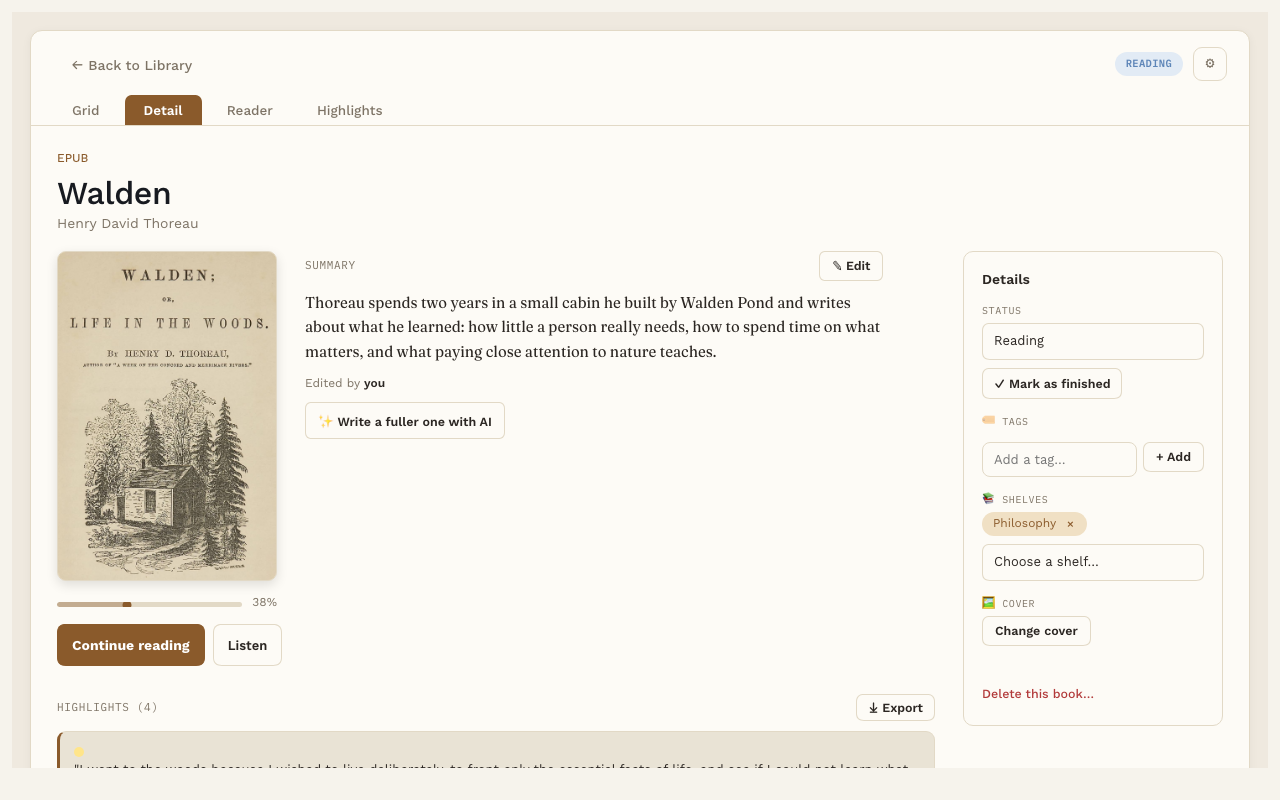
- The cover, title and author, with a bar showing how far you’ve read.
- Start reading or Continue reading. This opens the book right where you left off. Listen, next to it, opens the book and starts reading it aloud.
- Summary. A short summary of the book, beside the cover. This is part of Pro. See AI book summary.
- Notes. Your own thoughts about the whole book. See Notes.
- Highlights. Every passage you’ve highlighted in this book. Click one to jump to it in the Reader.
-
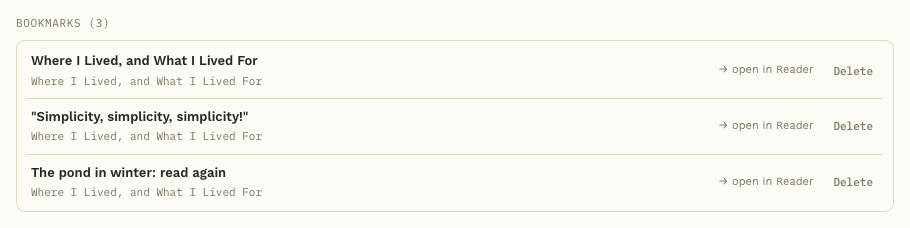
Bookmarks. Every bookmark in this book, with its chapter underneath. Click one to open the book at that page, or press Delete beside it to remove it (it asks first).
- Words. Words you’ve saved from this book (with Pro).
The Details box
On the right side you’ll find:
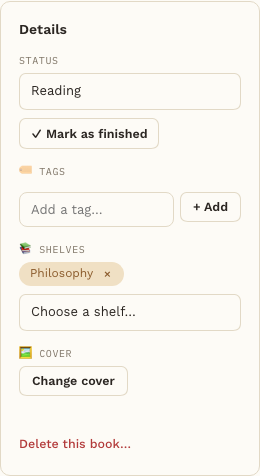
- Status. To Read, Reading, Finished or Abandoned.
- ✓ Mark as finished. One click sets the status to Finished and remembers the date. Finished books count toward your yearly goal on the Reading Dashboard.
- Tags. Add or remove tags for the book.
- Shelves. Put the book on a shelf, or take it off. See Shelves.
- Upload cover (or Change cover once the book has one). Pick your own cover image. A PDF gets a cover made from its first page when you add it (or the first time you open it); you can replace it here.
- Delete this book…. At the bottom of the Details box. Removes the book, its file, its cover and its highlights, after you confirm.
Good to know
Everything on this page is saved in the book’s own note in your vault. You can open that note in Obsidian any time.