Reading Vault user manual
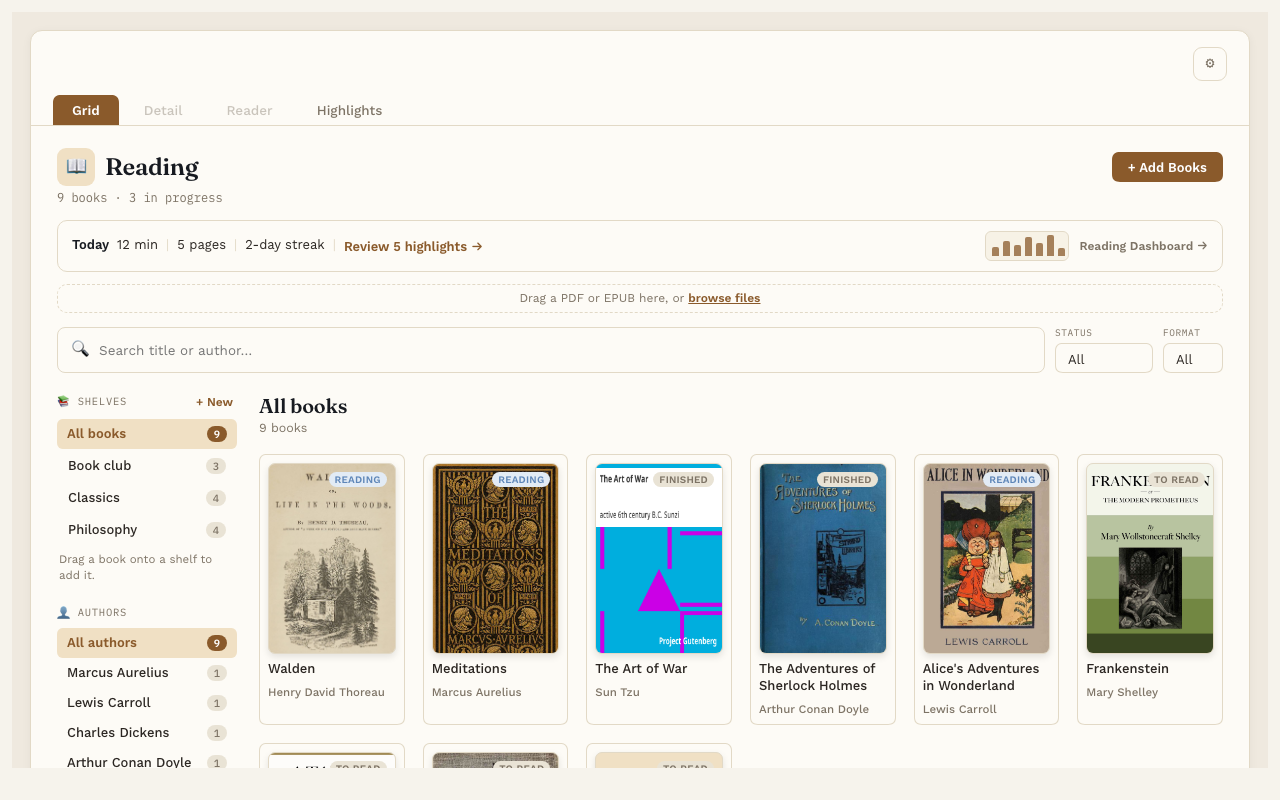
Hi, I’m John. I made Reading Vault because I wanted my books and my notes in the same place. Reading Vault lets you read EPUB and PDF books right inside Obsidian. Everything you highlight and write becomes a regular note in your vault.
This manual has one short page for each feature. Read them in any order.
Start here
- Getting started: open Reading Vault and add your first book. About 5 minutes.
- Your files and privacy: where everything is kept, and when Reading Vault goes online.
Free and Pro
Most of Reading Vault is free. Pro adds extras on top, for a one-time payment. Each page says Free or Pro at the top.
| Feature | Free or Pro |
|---|---|
| Your Library | Free |
| A book’s page | Free |
| Shelves | Free |
| Reading a book | Free |
| Text settings | Free |
| Full screen | Free |
| Bookmarks | Free |
| Highlights | Free |
| Notes | Free |
| Listen | Free |
| Word lookup | Free |
| Settings and folders | Free |
| Linking highlights to Topic notes | Pro |
| Highlight review | Pro |
| Ask the book | Pro |
| AI book summary | Pro |
| Reading Dashboard | Pro |
| Natural offline voices | Pro |
| Audiobook mode | Pro |
| Saving words | Pro |
| Export highlights | Pro |
| On your iPhone or iPad | Pro |
To learn how to get Pro, see Reading Vault Pro.
Good to know
- The free version works in Obsidian on computers. On an iPhone or iPad, Reading Vault needs Pro; see On your iPhone or iPad. Tested on Mac and iPhone; Windows is untested. Android isn’t supported yet.
- Nothing is hidden in a private database. If you stop using Reading Vault, your books, highlights and notes all stay in your vault.
- Questions, problems or ideas: write to me through the contact page.